Real materials in one click
Dimensional lumber and sheet goods at their actual sizes (a 2x4 is 1-1/2" × 3-1/2"), plus custom-sawn hardwood.
Woodworking design, in your browser
Lumbr Studio is a woodworking design app for your browser. Build in 3D with real materials you can purchase at a big box store. Easily add shelves, cabinets, drawers and more. Get a shopping list and a cut plan in a single click.
Built for woodworking
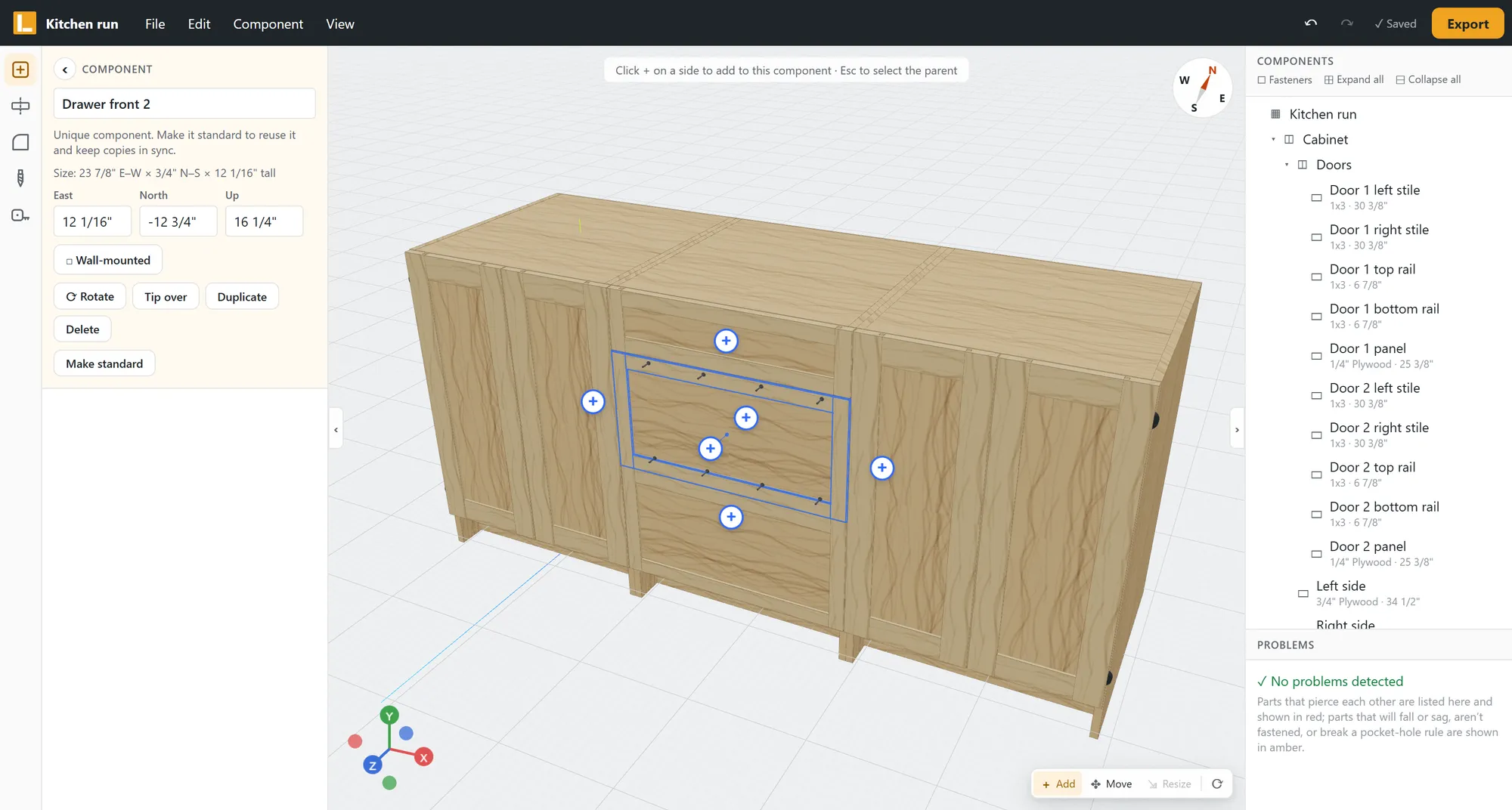
General 3D software makes you draw everything from scratch. Lumbr Studio starts from the materials, joints and fasteners you actually build with.
Dimensional lumber and sheet goods at their actual sizes (a 2x4 is 1-1/2" × 3-1/2"), plus custom-sawn hardwood.
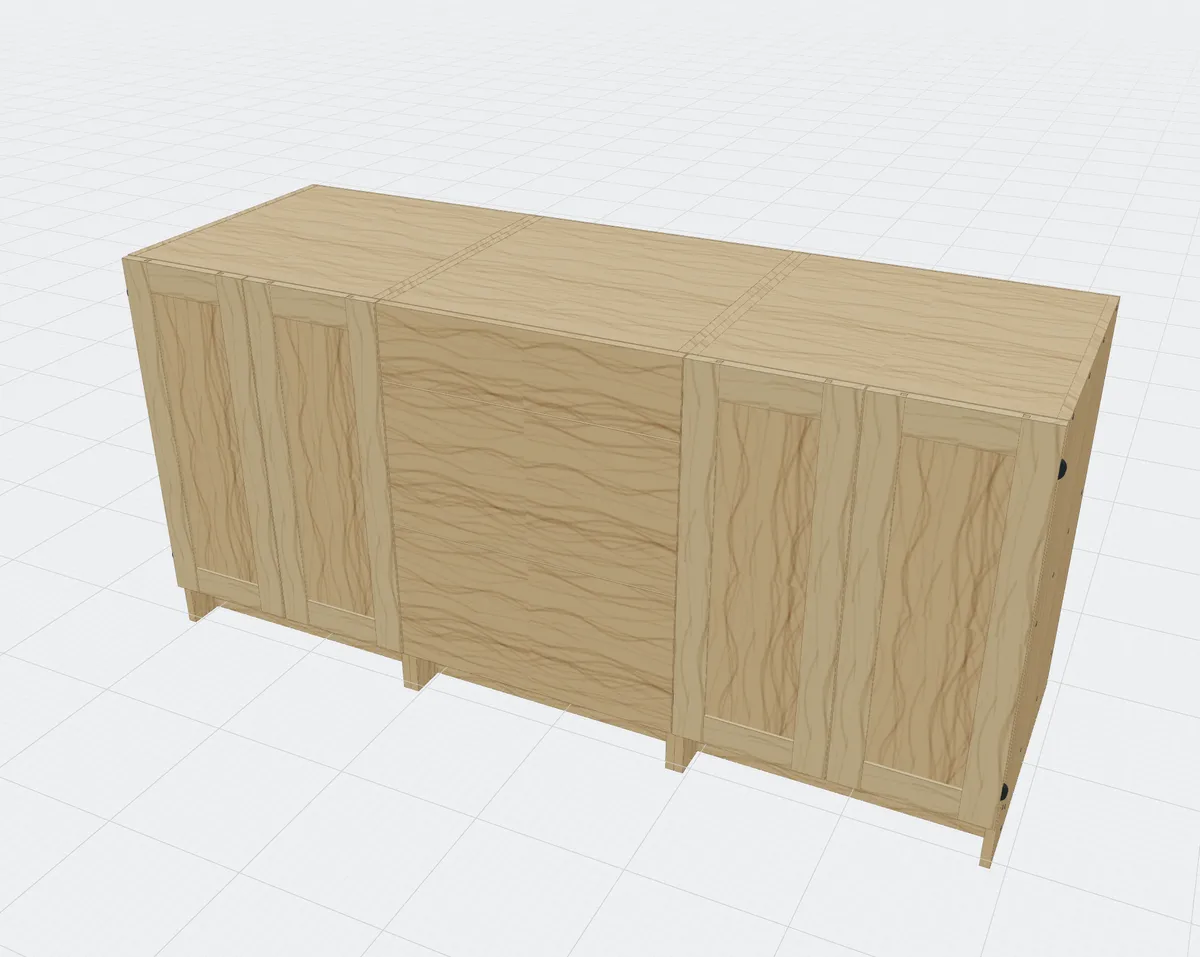
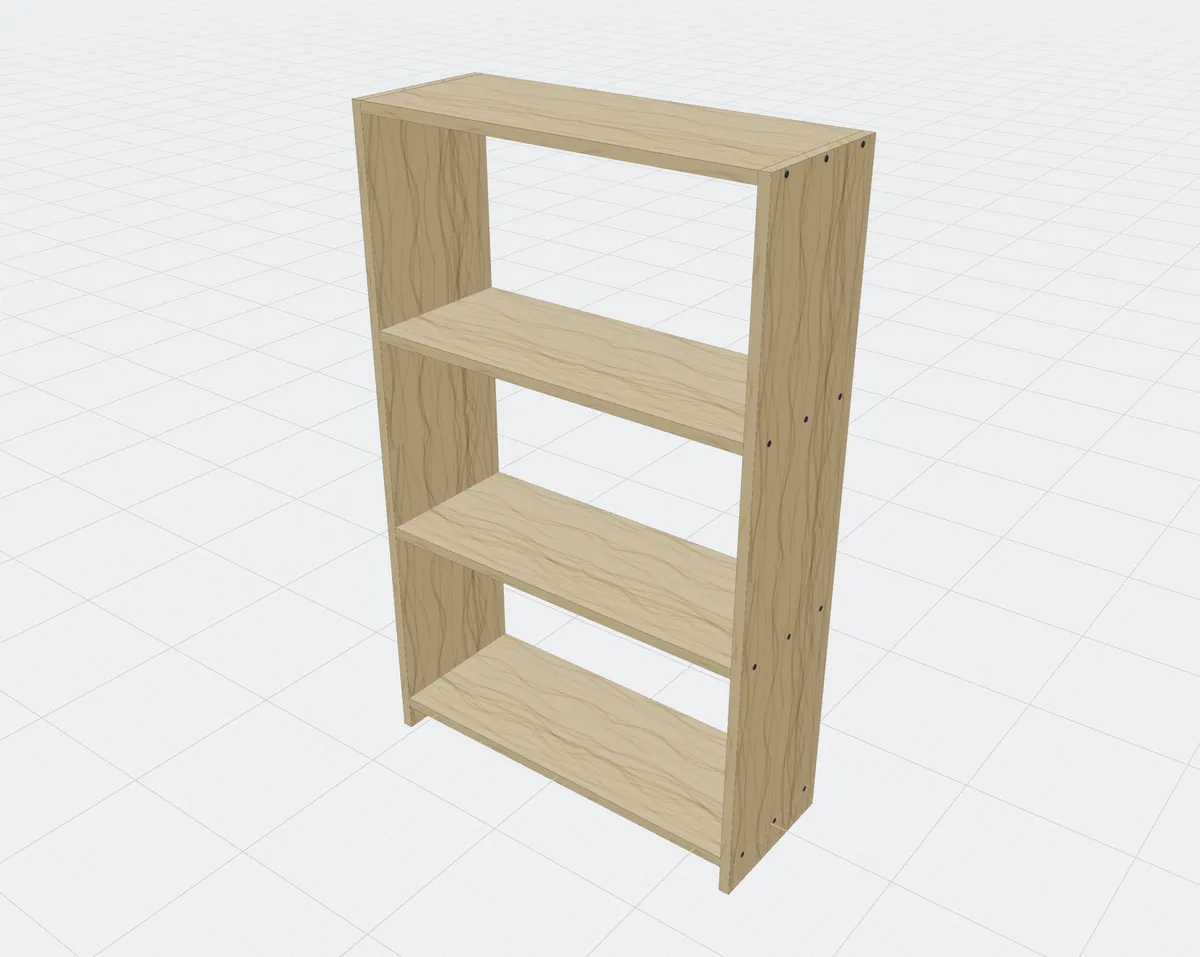
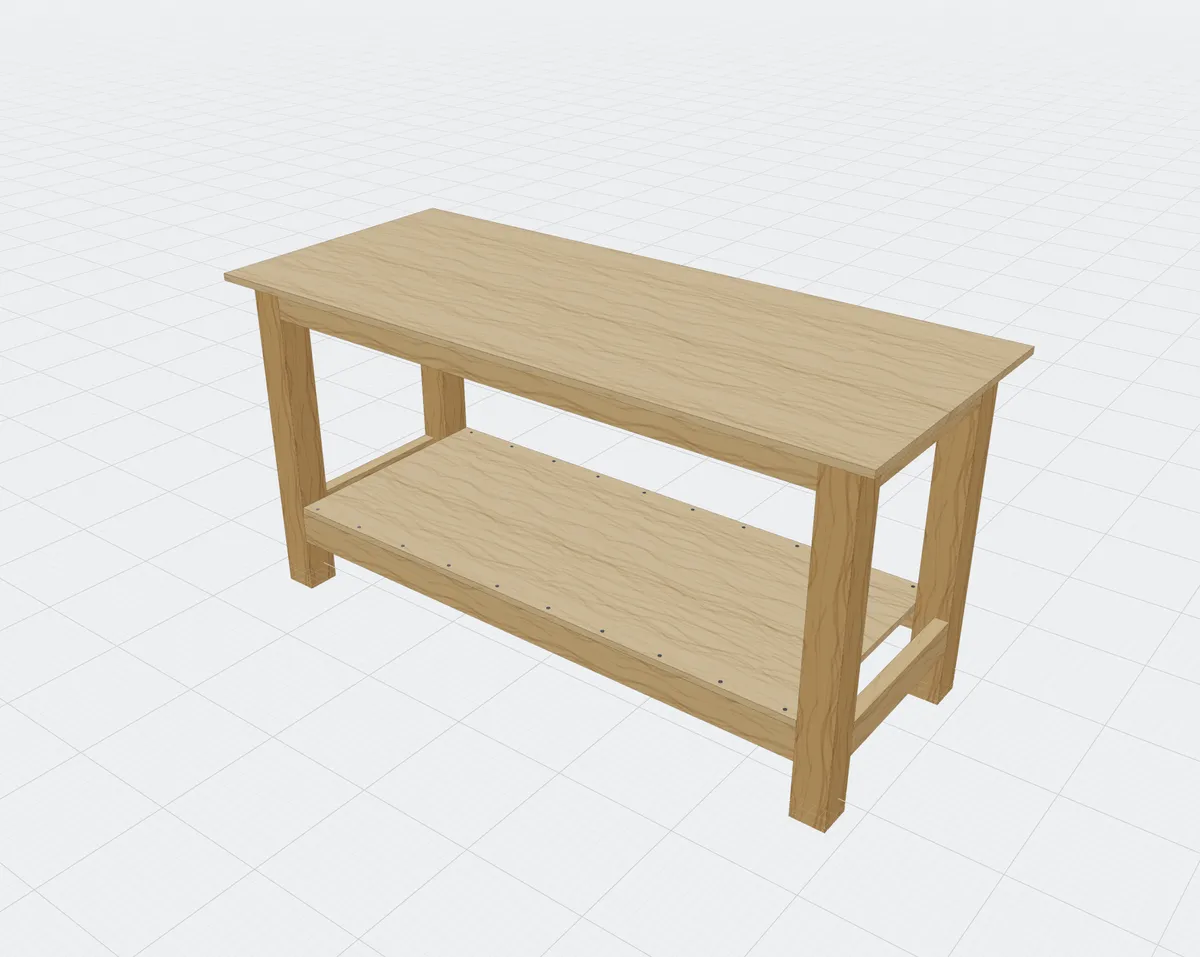
Cabinets, bookcases, tables, workbenches and boxes. Drawers on slides and shaker doors on hinges, sized to fit the cabinet, and editable after you add them.
Plan out your joints and fasteners such as butt joints or miters, and pre-plan your fasteners with screws, pocket holes, dowels or just plain old glue!
Lumbr Studio identifies possible issues with your plans and warns you about them in real-time.
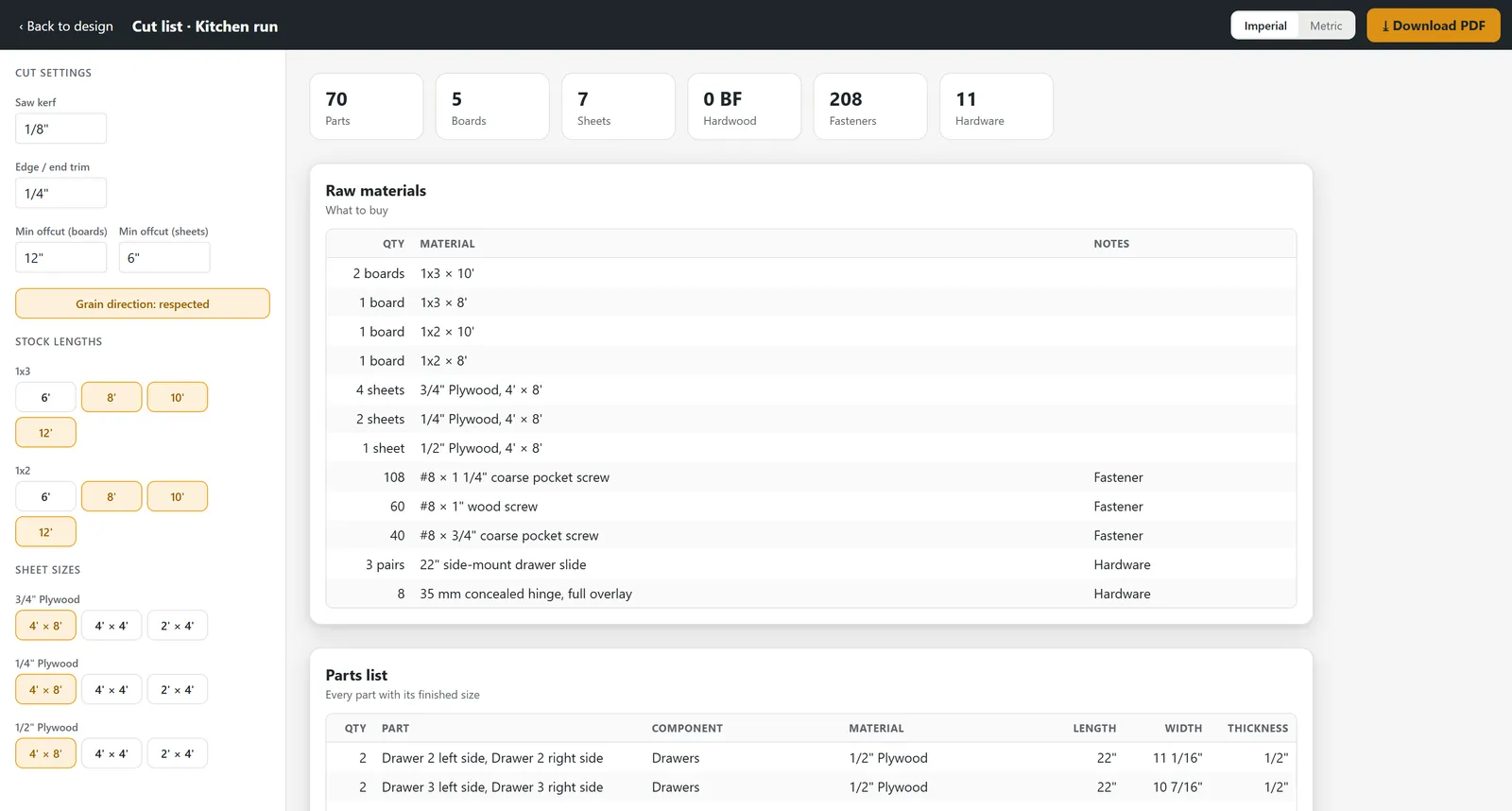
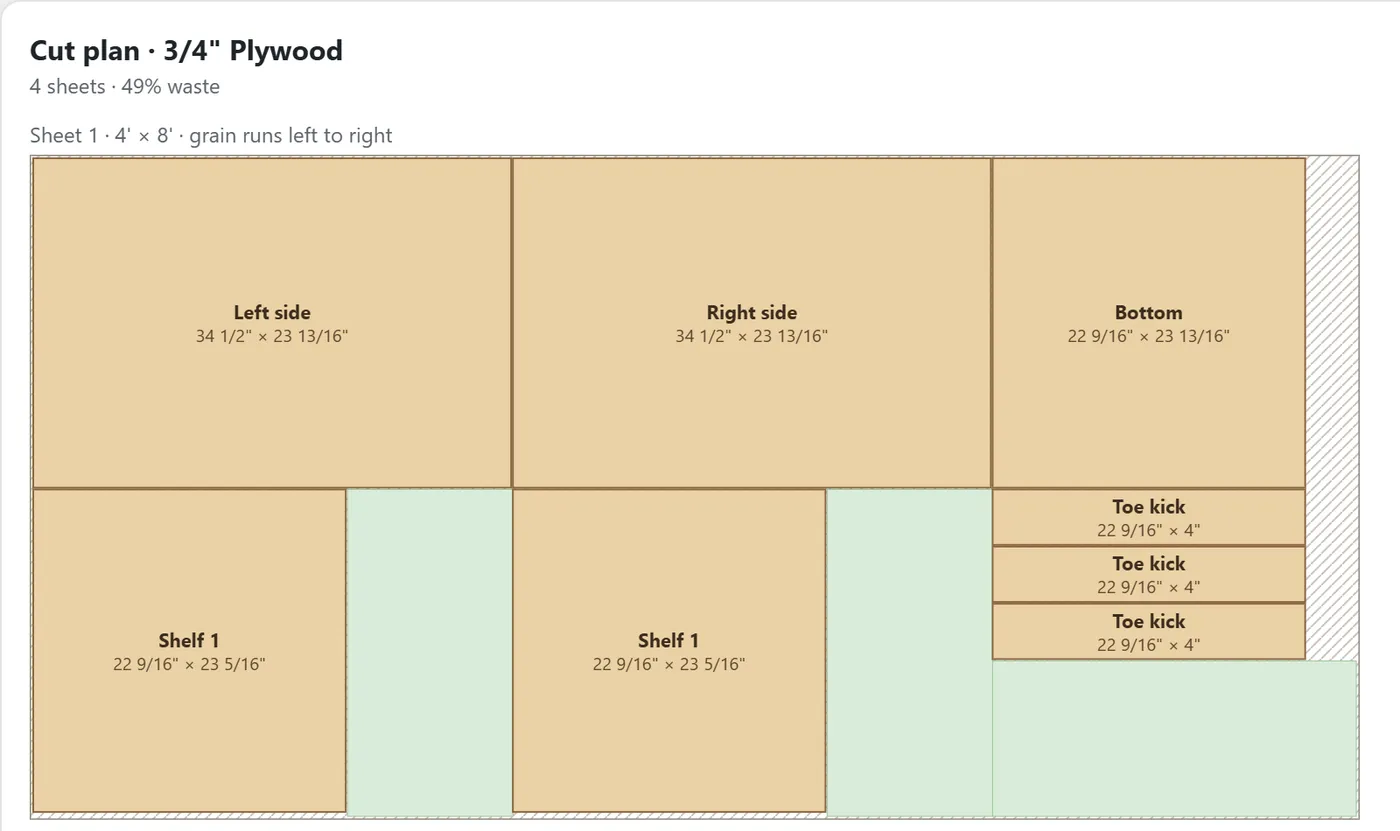
Every part at its finished size, what to buy, and optimized cut plans that account for saw kerf and grain direction. Download it as a PDF.
Fractions down to 1/16", or millimeters. Switch any time; your design doesn't change.
From design to lumberyard
Lumbr Studio turns your design into a materials list you can take to the store.
Less waste
Lumbr Studio lays your parts out on the boards and sheets you can buy, so you know how many you need.
How it works
Open Lumbr Studio in your browser, sign in and name your project. There's nothing to install.
Add boards and sheets, or start from a cabinet, bookcase or table. Easily add new parts to any face with a single click.
Get the parts list, the materials to buy and the cut plans, on screen or as a PDF for the shop.
Share
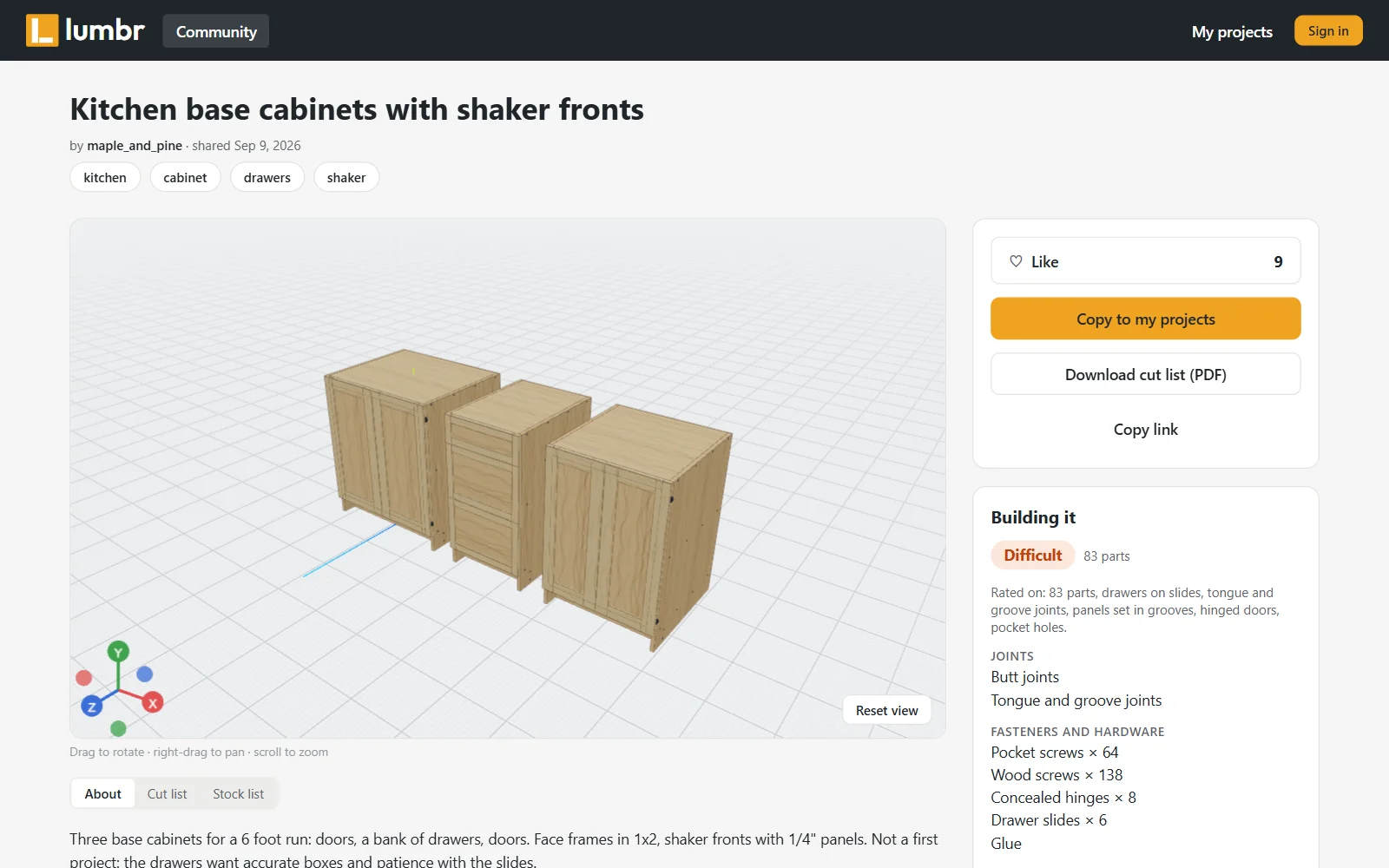
Publish a project to the community page for other woodworkers to see, with a name, a description and tags.
Community projects
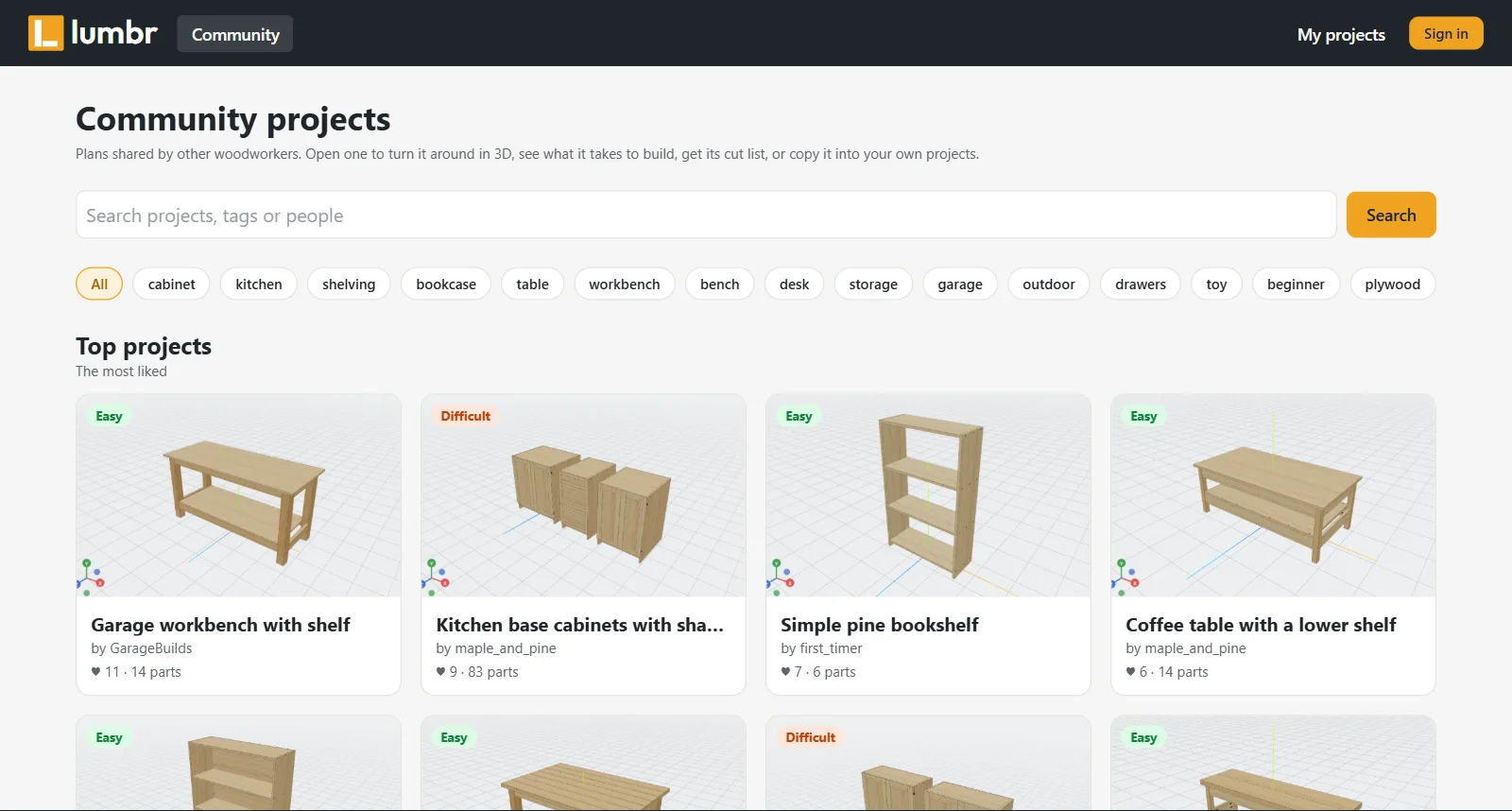
Browse what people have shared, no account needed. Every project opens in 3D, with what you need to build it.
Made in Lumbr Studio
Each of these took a few clicks with Lumbr Studio's assemblies. See more on the About page, or browse what people have shared.