About
Spend less time designing, more time building
lumbr studio is a 3D design tool made for woodworking: it knows lumber, plywood and joinery, and your design turns straight into a shopping list and a cut plan.
Why lumbr exists
Most woodworking projects start on paper or in general-purpose 3D software, and both have problems.
- Paper and pencil is slow and easy to get wrong, and it doesn't give you an accurate list of what to buy or how to cut it.
- General 3D tools can draw anything, which means you draw everything: every board, every sheet, every joint. They don't know that a 2x4 is really 1-1/2" × 3-1/2", so the material list is still on you.
Nearly every project uses the same standard materials: dimensional lumber and sheets of plywood. A tool that knows them, and the way they go together, can make designing faster and turn the design directly into a materials list and a cut plan. That's lumbr studio.
Who it's for
Weekend woodworkers planning a first bookcase, DIYers fitting out a garage or a kitchen, and experienced makers who want a quick, accurate cut list without modeling every board by hand.
What it does
- Real materials: US dimensional lumber and sheet goods at actual sizes, plus custom-sawn hardwood.
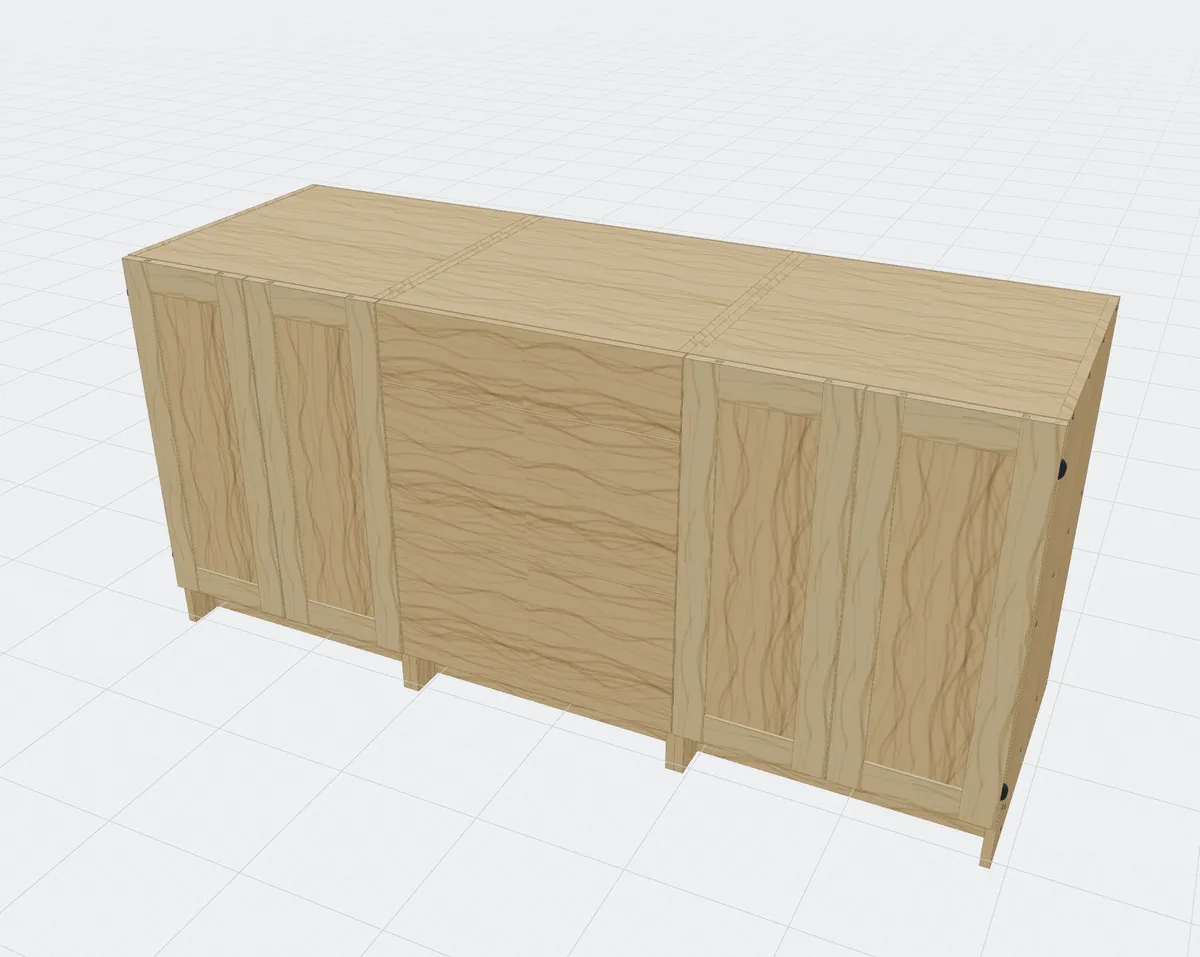
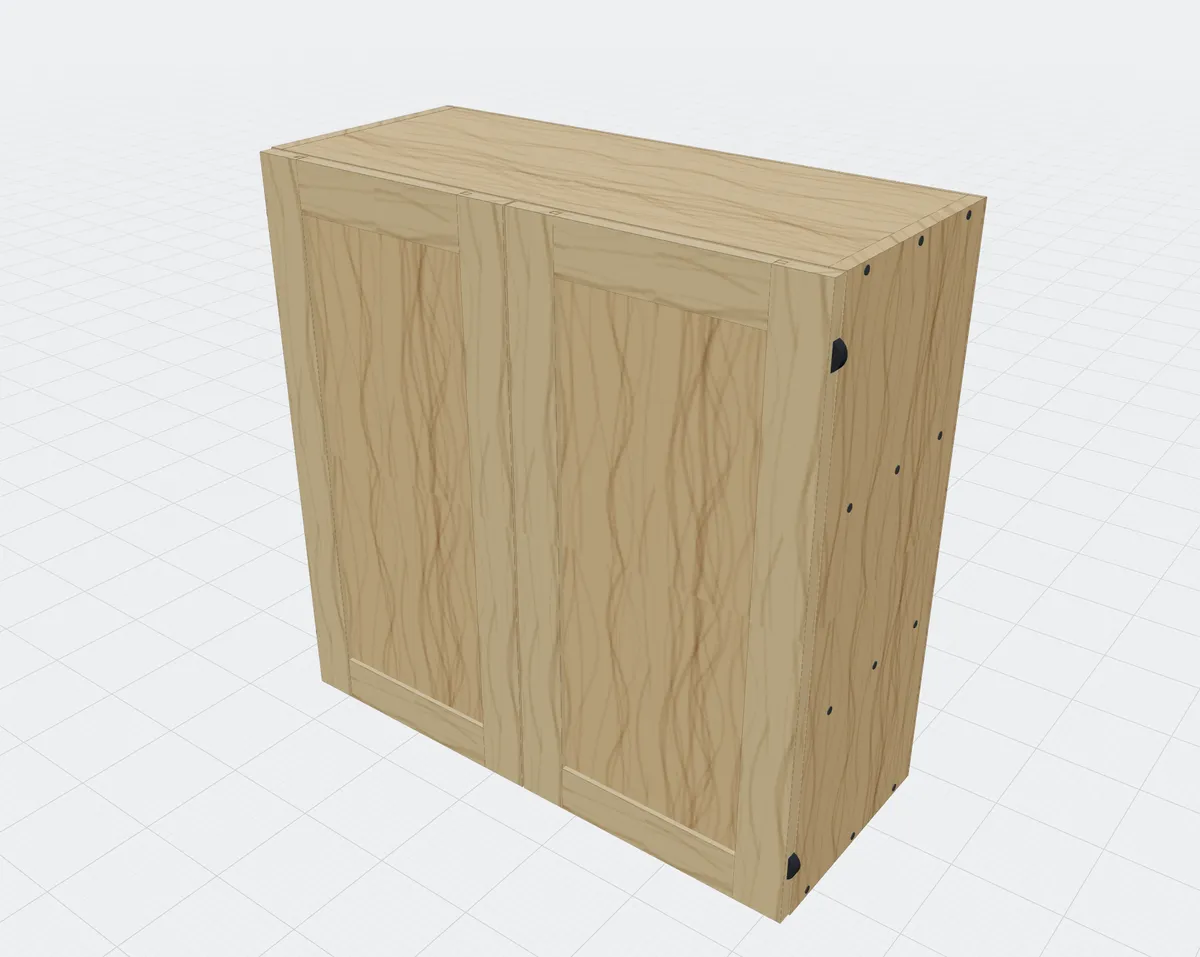
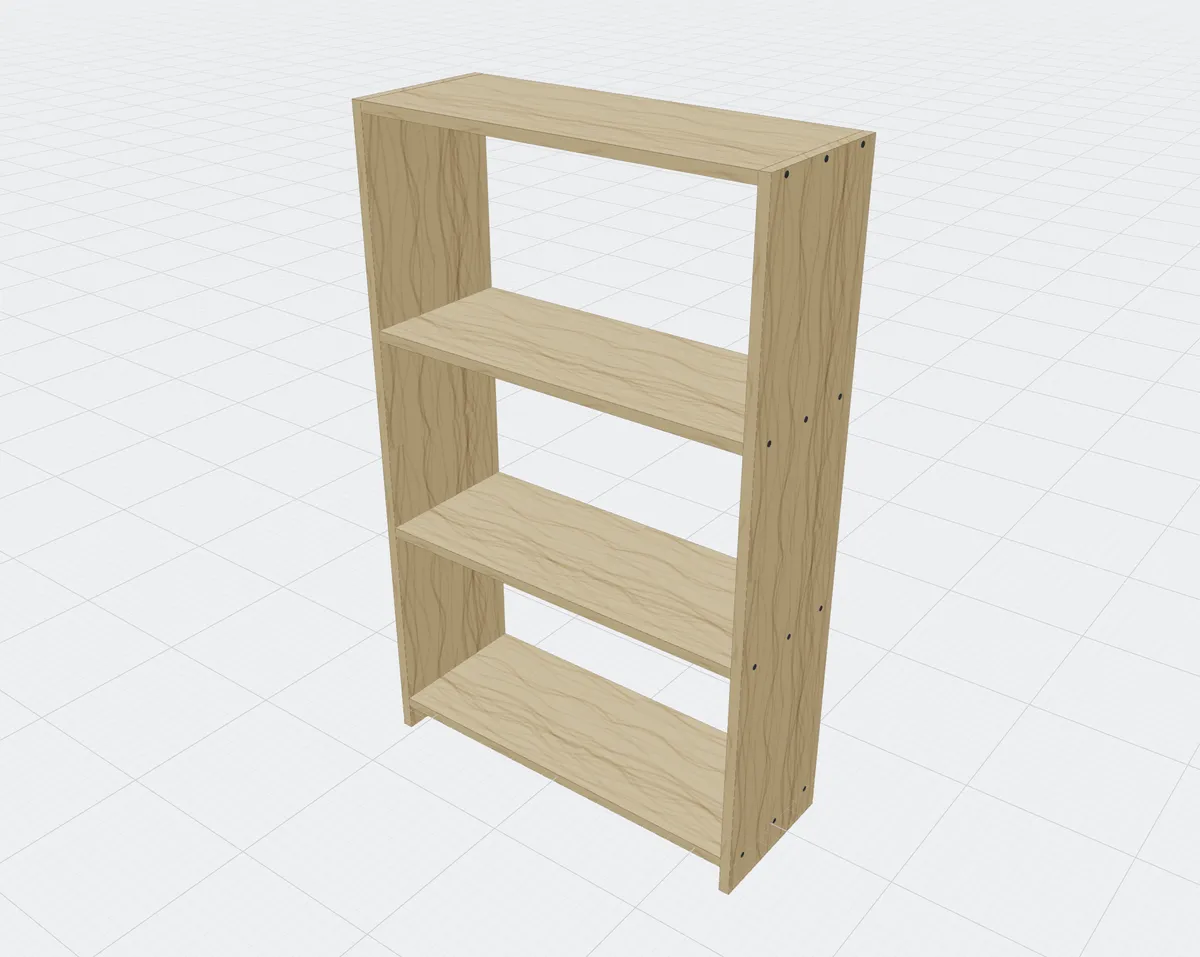
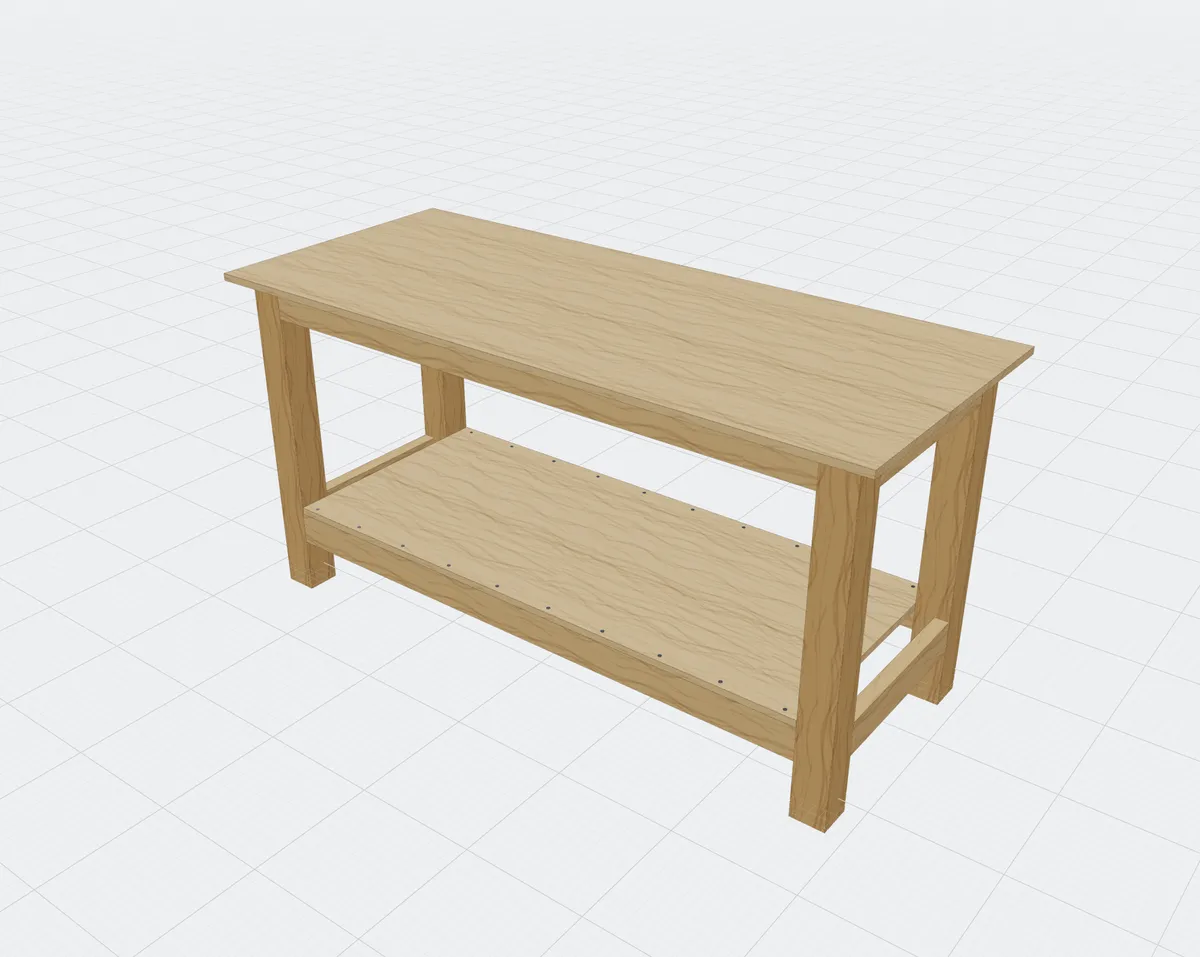
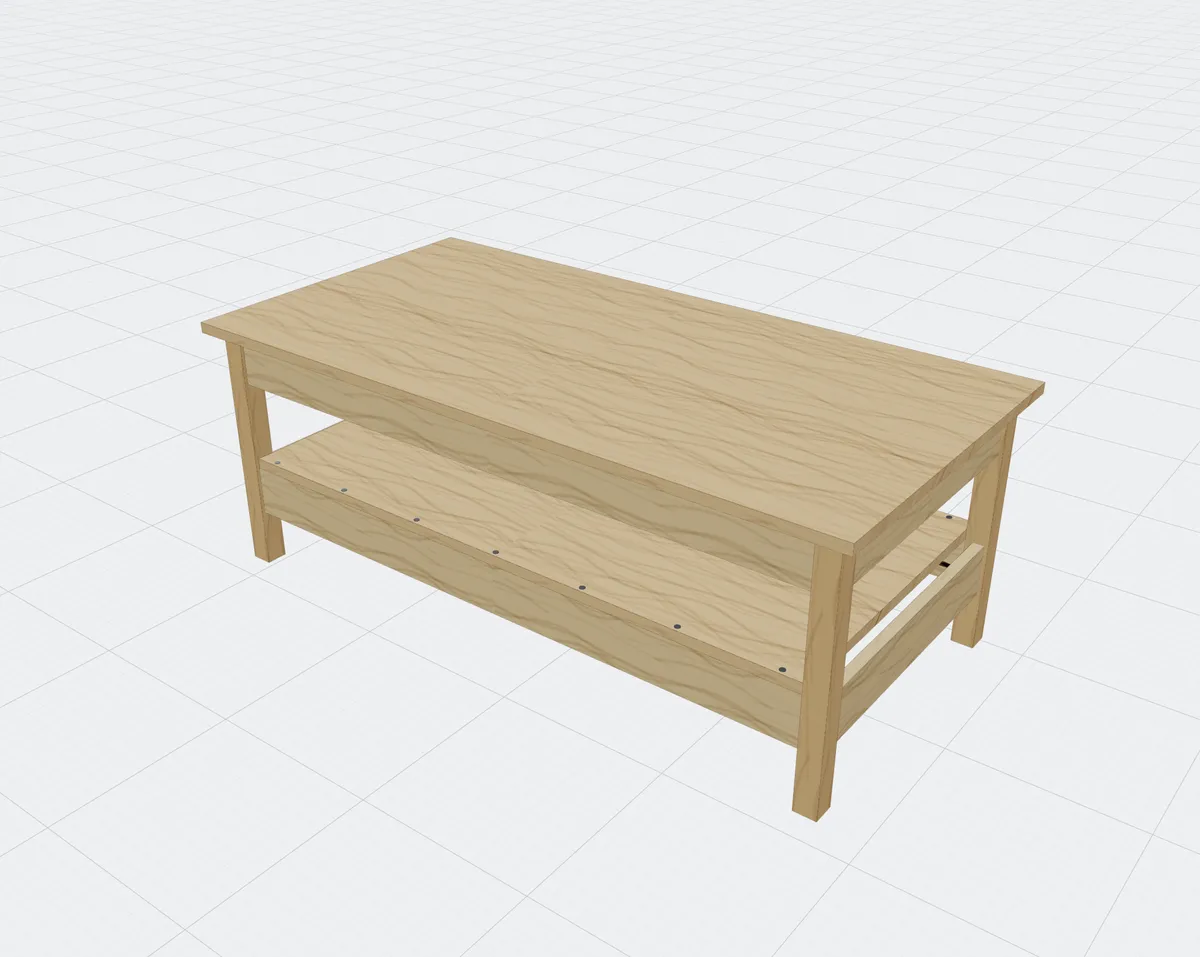
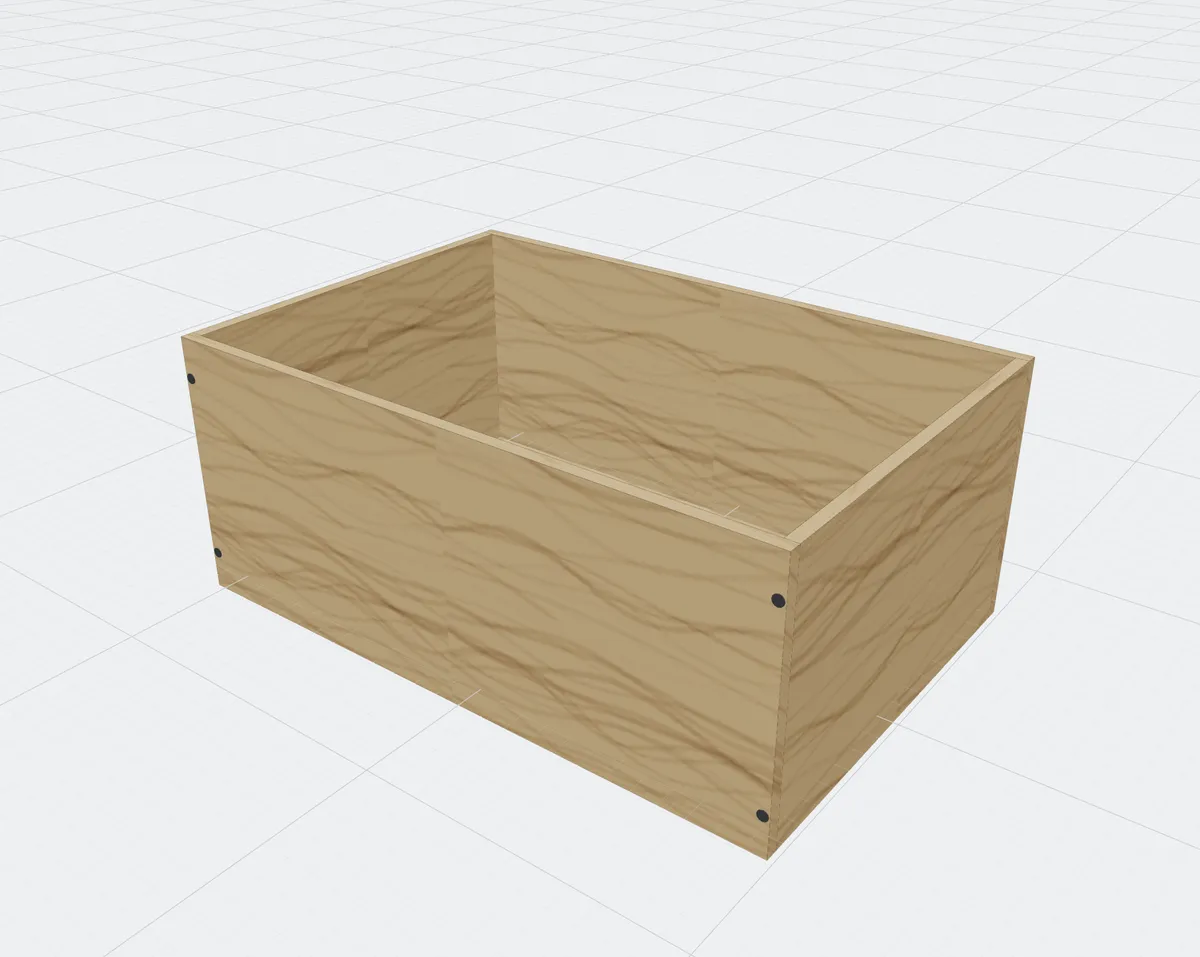
- Assemblies: cabinets, wall cabinets, bookcases, boxes, frames, tables, benches and workbenches, sized by common shop rules. Fit face frames, drawers on slides, and slab or shaker doors on hinges into any cabinet.
- Joinery: butt, miter and tongue-and-groove joints with screws, dowels or pocket screws, laid out the way a standard pocket-hole jig drills them.
- Checks: parts that collide, parts that would fall or sag, and parts that aren't fastened are highlighted and listed.
- Export: a parts list, a materials list (boards, sheets, board feet, fasteners and hardware), and cut plans that account for saw kerf, edge trim and grain direction, as a PDF.
Made in lumbr
A few things you can build
Below are projects made in lumbr studio, built in a few clicks.